Skip to content
Get The special Discount 2026
Grab The Deal
paymattic logo
  • Pricing
  • FeaturesExpand
    • Features

      Explore all the features available in Paymattic.

      Payment Features

      Essential payment features to manage your transactions

      Donation Features

      Simplest donation features to run your fundraising campaigns

      See all features

      Get a glimpse of all the advanced features available in Paymattic

  • Use CasesExpand
    • Use Cases

      Paymattic offers versatile solutions for your versatile needs.

      Small Business

      Simplify payments, manage customers, and get revenue.

      Nonprofit

      Get donations, manage donors, and grow your funds.

      Membership

      Get paid members, manage them, and set specific roles.

      LMS

      Enroll students and sell courses with integrations.

  • Integrations
  • ResourcesExpand
    • Resources

      Everything you need to get the most out of Paymattic plugin.

      Free Plugin

      Explore all the powerful features available in Paymattic Free.

      Free VS Pro

      Compare the Paymattic Free plugin with Paymattic Pro.

      Blogs

      Get insights, tips, and guides to help your campaigns grow.

      Gateways

      Explore all the global payment gateways supported by Paymattic.

      • Documentation
      • Rest API Doc
      • Change Log
      • Contact Us
      • Get Support
      • Login
      • Report Security Issue
  • Demo
Grab Discount
Get The special Discount 2026
Grab The Deal
paymattic logo
  • How to Create eLearning Websites in WordPress
    eLearning | Tips & Tutorials

    How to Create eLearning Websites in WordPress

    ByShuyeb Ahmed January 31, 2023July 6, 2026

    Create eLearning websites in WordPress and sell courses with Paymattic. Read this blog and learn to build eLearning websites.

    Read More How to Create eLearning Websites in WordPressContinue

  • integrate square
    Payment | Payment Gateways | Tips & Tutorials

    Square Payment | A Smart Solution For Your Online Business

    ByMadhobi January 25, 2023February 26, 2026

    Find out the easy way to integrate the Square payment gateway in WordPress, to collect your online payment securely.
    Read More Square Payment | A Smart Solution For Your Online BusinessContinue

  • Offline-Subscription-Management-in-WordPress
    Payment

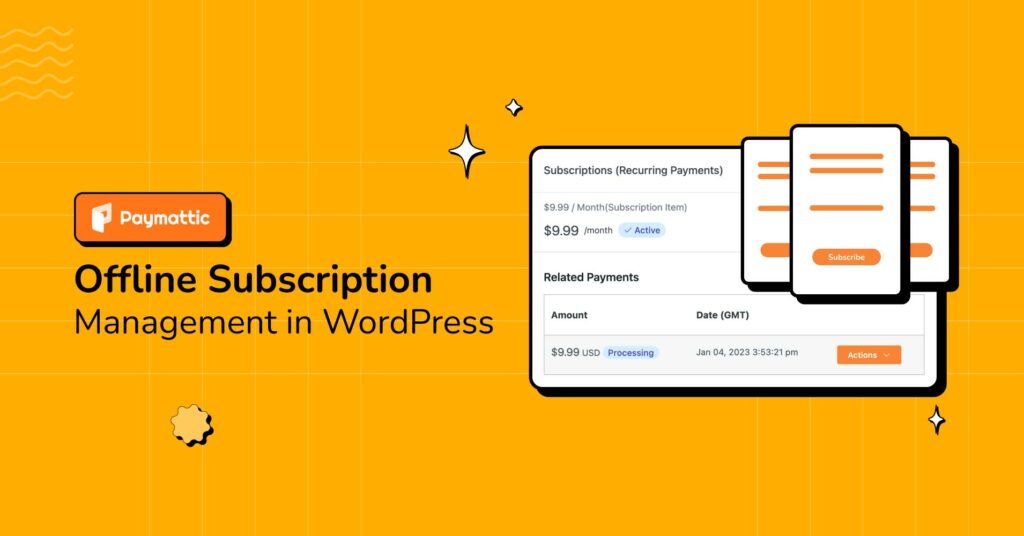
    Offline Subscription Management in WordPress with Direct Bank Transfer

    ByShuyeb Ahmed January 19, 2023July 6, 2026

    Subscription management is a complex task for any business. Read this blog and learn how to deal with offline subscription management with Paymattic.
    Read More Offline Subscription Management in WordPress with Direct Bank TransferContinue

  • Paymattic 4.3.3 - WordPress software update
    Release Notes

    Paymattic 4.3.3 – Big Power in a Small Package

    ByMd Shahjahan January 18, 2023February 27, 2026

    Read to find out all the amazing new software upgrades Paymattic 4.3.3 has in store for you. Hint, online shopping carts are here!
    Read More Paymattic 4.3.3 – Big Power in a Small PackageContinue

  • Shopping Cart for WordPress Site
    Features | Tips & Tutorials

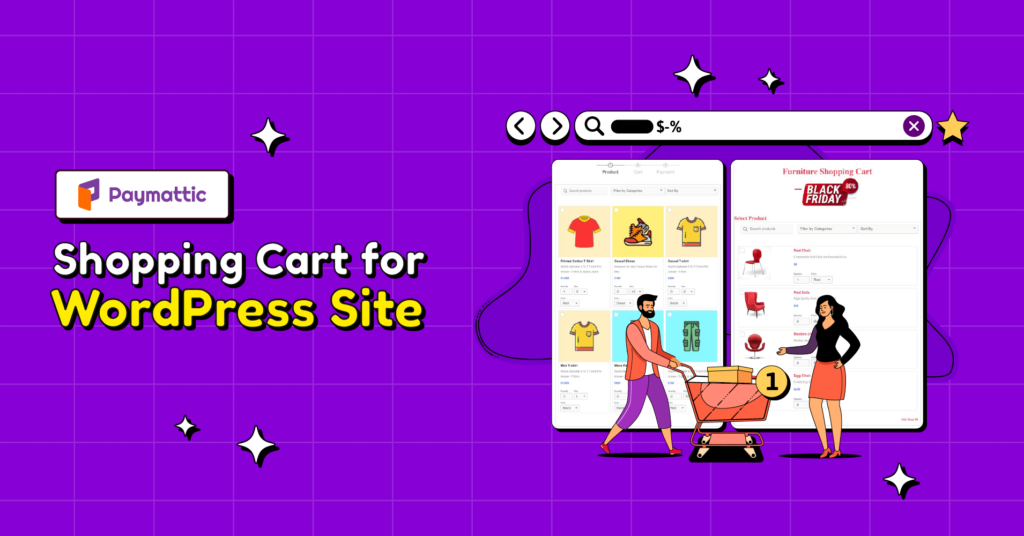
    How to Add WordPress Shopping Cart to Your Form?

    ByShuyeb Ahmed January 13, 2023February 26, 2026

    Display your product in shopping cart style on your website with Paymattic. Read this blog and learn how to add WordPress shopping cart to your form.

    Read More How to Add WordPress Shopping Cart to Your Form?Continue

  • Spam-Protection-in-WordPress
    Integrations | Security

    WordPress Spam Protection with Paymattic – Honeypot Security, Form Captcha & Turnstile Security

    ByShuyeb Ahmed January 1, 2023June 23, 2026

    Security is a vital feature of any plugin. Read this blog and know about the WordPress spam protection features of the Paymattic WordPress payment plugin.

    Read More WordPress Spam Protection with Paymattic – Honeypot Security, Form Captcha & Turnstile SecurityContinue

  • conditional logic
    Features | Payment | Tips & Tutorials

    How to Use Conditional Logic with Payment Forms in WordPress?

    ByMadhobi December 26, 2022February 26, 2026

    Conditional logic allows you to show or hide specific form fields based on user input. Click here to learn how it works in WordPress forms.
    Read More How to Use Conditional Logic with Payment Forms in WordPress?Continue

  • Paymattic 4.3.2 - WordPress plugin update - plugin development
    Release Notes

    Paymattic 4.3.2 – Say Hello to Multi-step Forms and More!

    ByMd Shahjahan December 8, 2022February 27, 2026

    Check out Paymattic 4.3.2 and all the amazing new WordPress plugin updates it has to offer. Say hello to Cloudfare Turnstile integration and multi-step forms.

    Read More Paymattic 4.3.2 – Say Hello to Multi-step Forms and More!Continue

  • Setup-Billplz-Payment-Gateway-in-WordPress
    Integrations | Payment Gateways

    How to Setup Billplz Payment Gateway in WordPress?

    ByShuyeb Ahmed November 14, 2022February 26, 2026

    Billplz is a popular payment gateway in Malaysia. This blog lets you learn how you can set up Billplz payment gateway in WordPress with the Paymattic WordPress payment plugin.
    Read More How to Setup Billplz Payment Gateway in WordPress?Continue

  • Paymattic 4.3.1 - WordPress plugin update - Google Sheets - Billplz
    Release Notes

    Let’s Unpack Paymattic 4.3.1

    ByMd Shahjahan November 9, 2022February 27, 2026

    Check out Paymattic WordPress payment plugin. Stronger than ever with Google Sheets integration and Billplz payment platforms on board.

    Read More Let’s Unpack Paymattic 4.3.1Continue

  • Third-Party-API
    Payment | Tips & Tutorials

    Everything You Should Know About Third-Party API

    ByShuyeb Ahmed November 1, 2022July 6, 2026

    Explore what third-party API is and how you can enhance your website with various type of APIs. Also learn how third-party API benefits you with the Paymattic WordPress payment plugin.
    Read More Everything You Should Know About Third-Party APIContinue

  • Advanced-Editor
    Tips & Tutorials | Use Cases

    Create WordPress Payment Form with Paymattic Advanced Editor

    ByShuyeb Ahmed October 29, 2022July 6, 2026

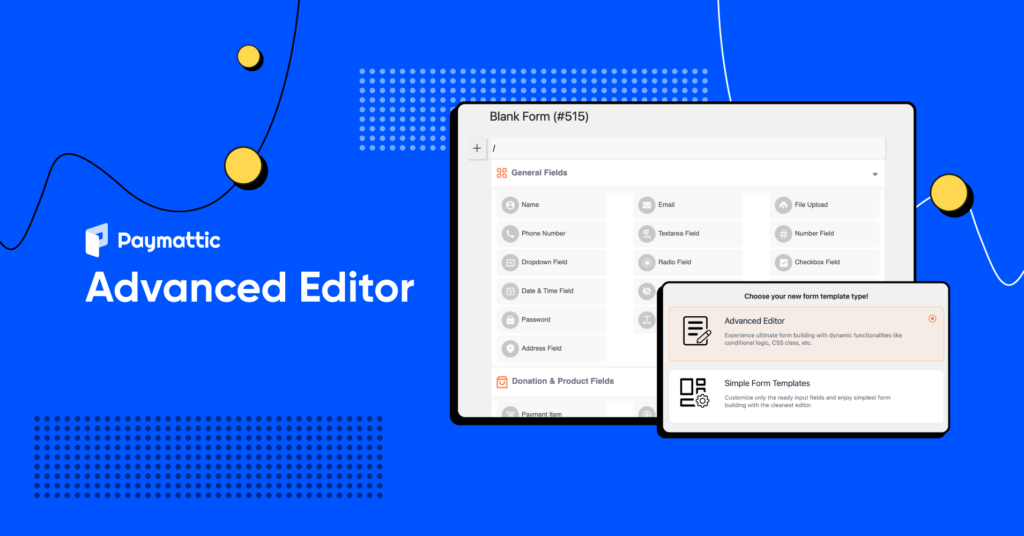
    The new Gutenberg-style Paymattic Advanced Editor lets you build WordPress payment forms flawlessly. Read this article and try this smart form editor that is already loved by all.

    Read More Create WordPress Payment Form with Paymattic Advanced EditorContinue

  • wp simple pay alternatives
    Payment | WordPress Plugin Comparison

    7 Best WP Simple Pay Alternatives for eCommerce Website

    ByShuyeb Ahmed October 26, 2022July 7, 2026

    Searching for a simple payment plugin for WordPress? Compare the best WP Simple Pay alternatives and discover which one is perfect for your eCommerce website. Click to read more!

    Read More 7 Best WP Simple Pay Alternatives for eCommerce WebsiteContinue

  • Black friday
    Tips & Tutorials

    Best Black Friday Ideas for Small Businesses

    ByMadhobi October 16, 2022July 6, 2026

    Black Friday is the greatest spending day of the year for consumers. So follow our provided business idea to boost your sales rate on this holiday seasons!
    Read More Best Black Friday Ideas for Small BusinessesContinue

  • donor history
    Features | Tips & Tutorials

    How to Get Donor History with Paymattic?

    ByMadhobi October 13, 2022February 26, 2026

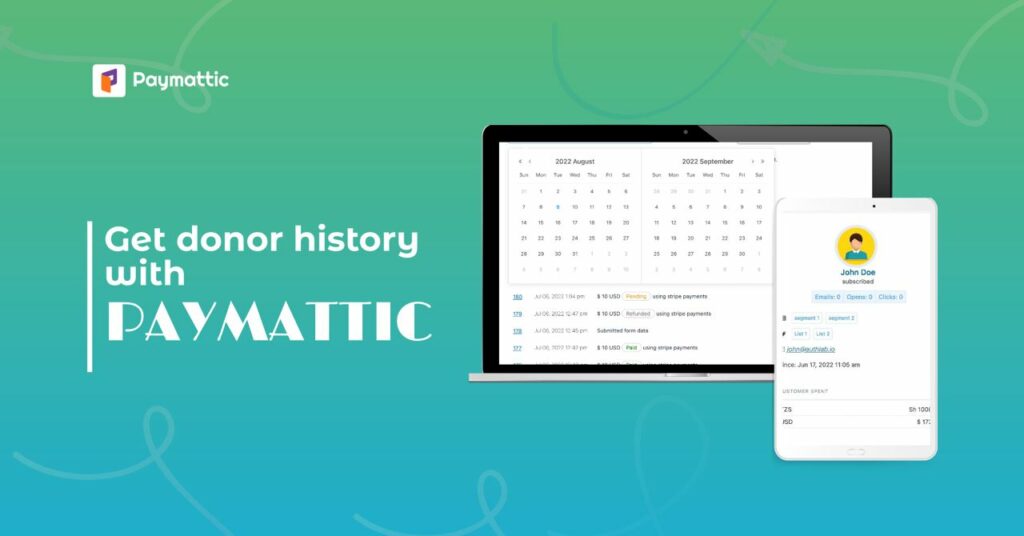
    Donor history is an amazing feature of Paymattic. Follow this basic step to get donor history with Paymattic.

    Read More How to Get Donor History with Paymattic?Continue

Page navigation

Previous PagePrevious 1 2 3 4 Next PageNext
Paymattic - WordPress Payment and donation plugin.

Simplest Payment & Donation Management for WordPress

Get Paymattic Pro to unlock all the advanced features

Get Paymattic
paymattic monotone light logos

Paymattic is a lightweight yet super powerful WordPress plugin designed for handling global payments, donations, subscriptions, and customers. Zero code needed.

Subscribe to Newsletter

Footer Newsletter
We won't spam you. Unsubscribe at any time.
Explore
  • Pricing
  • Features
  • Integrations
  • Paymattic Free
Company
  • Sister Brands
  • About Us
  • Terms & Conditions
  • Privacy Policy
  • Contact Us
Comparisons
  • Free vs Pro
  • vs. GiveWP
  • vs. Charitable
  • vs. Donorbox
  • vs WP Simple Pay
Resources
  • Demo
  • Payment Gateways
  • Affiliate
  • Brand Guideline
  • Fundraising Thermometer
Get Help
  • Blog
  • Support
  • Documentation
  • API Documentation
  • Account Login
  • Report Security Issue

Follow us on:

Copyright ©2026 Paymattic. A Brand of WPManageNinja™

Start Your Paymattic Journey
at Zero Cost 🚀

Just download, install, and start collecting money from all around the globe with Paymattic.

Plugin Download Form
  • Pricing
  • Features
    • Features

      Explore all the features available in Paymattic.

      Payment Features

      Essential payment features to manage your transactions

      Donation Features

      Simplest donation features to run your fundraising campaigns

      See all features

      Get a glimpse of all the advanced features available in Paymattic

  • Use Cases
    • Use Cases

      Paymattic offers versatile solutions for your versatile needs.

      Small Business

      Simplify payments, manage customers, and get revenue.

      Nonprofit

      Get donations, manage donors, and grow your funds.

      Membership

      Get paid members, manage them, and set specific roles.

      LMS

      Enroll students and sell courses with integrations.

  • Integrations
  • Resources
    • Resources

      Everything you need to get the most out of Paymattic plugin.

      Free Plugin

      Explore all the powerful features available in Paymattic Free.

      Free VS Pro

      Compare the Paymattic Free plugin with Paymattic Pro.

      Blogs

      Get insights, tips, and guides to help your campaigns grow.

      Gateways

      Explore all the global payment gateways supported by Paymattic.

      • Documentation
      • Rest API Doc
      • Change Log
      • Contact Us
      • Get Support
      • Login
      • Report Security Issue
  • Demo